
What you get
Three answers for your next training decision.
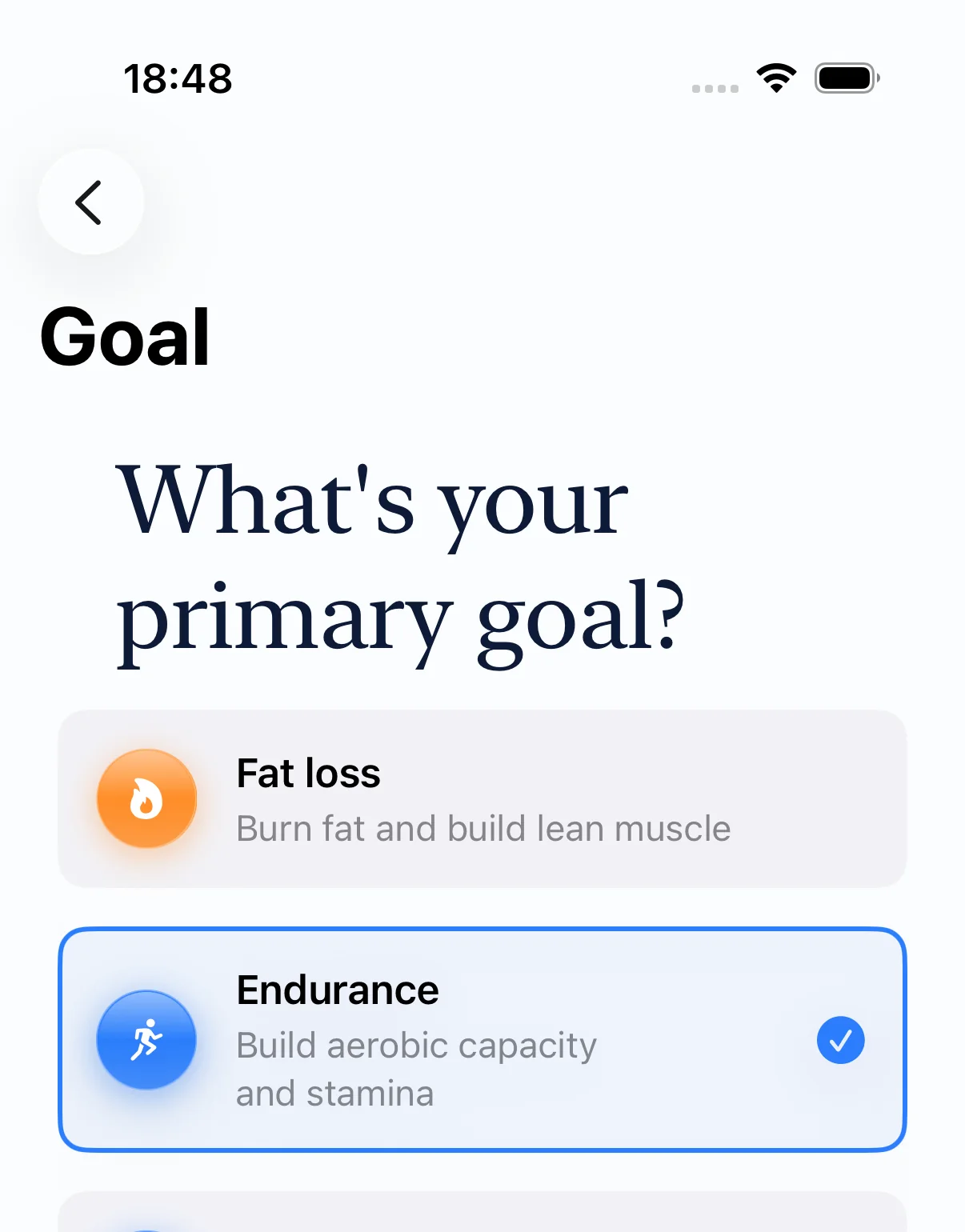
SlopeReady turns permitted health and workout data into decisions you can use today and a plan you can inspect before following it.
What fits today
Readiness combines recovery, sleep, HRV, and training load when those inputs are available. Confidence tells you how complete the input set is.
A low-readiness view can show an easier version of today's session without rewriting the saved plan.
What comes next
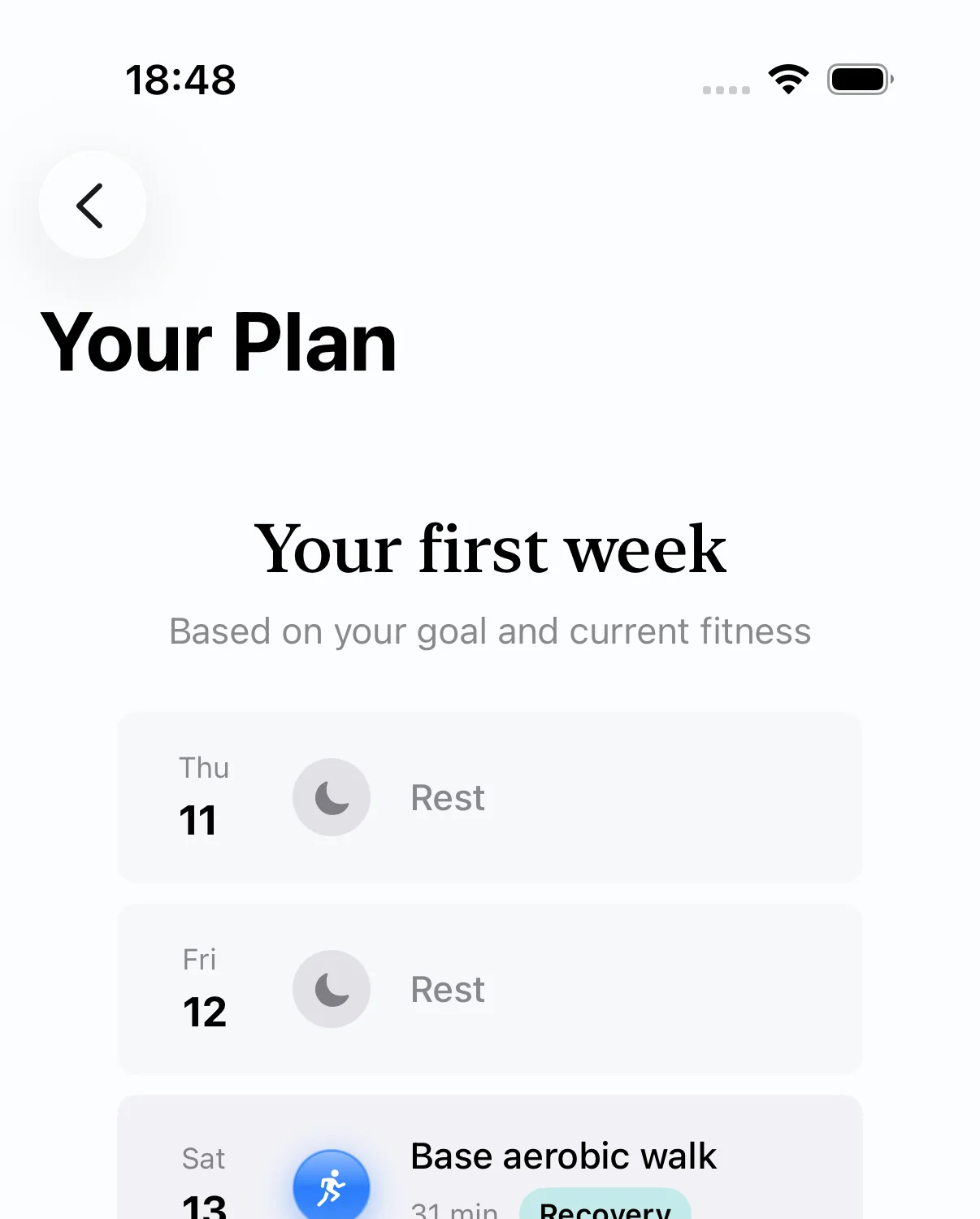
The plan covers 28 days. Populated days in the next seven stay stable against automatic regeneration, so tomorrow does not change just because you reopen the app.
Days 8–28 can adapt daily. Changes you or the Coach author remain in place.
What the Coach can change
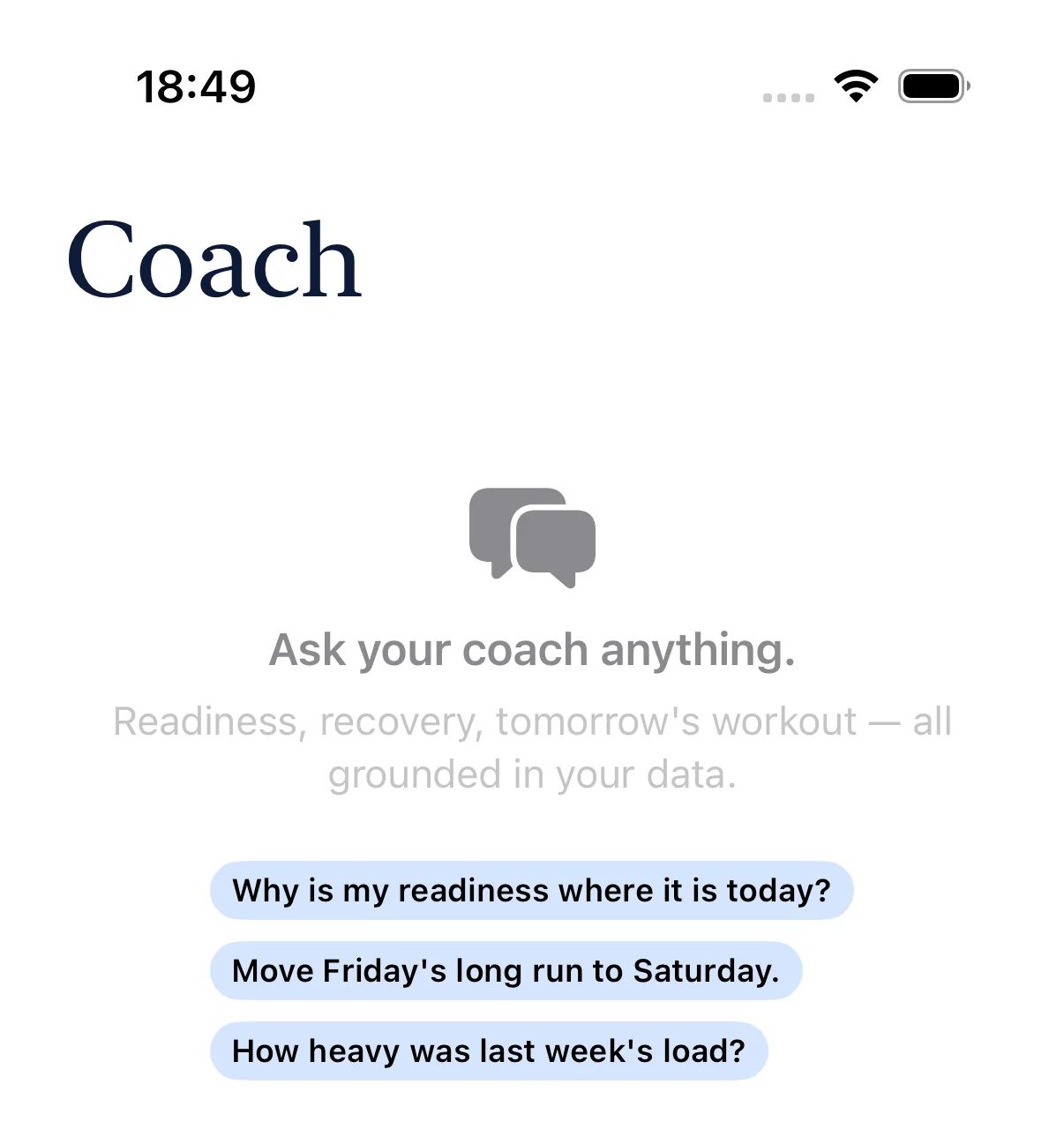
Ask why a workout felt hard, shorten a session, or move it to another day. The Coach uses the available context and can prepare a concrete plan change.
You review the proposal. Nothing is saved until you apply it.
Your control
SlopeReady calculates. You decide.
The useful boundary is simple: the app can read, calculate, explain, and propose. Permissions and plan changes remain visible choices.
| Area | SlopeReady does | You decide |
|---|---|---|
| Apple Health | Reads only the categories you permit and uses the available records as input. | Which categories to allow or revoke in iPhone settings. |
| Readiness | Combines available recovery, sleep, HRV, and load signals; shows input completeness separately. | How to use that context when choosing today's effort. |
| 28-day plan | Keeps the next seven populated days stable automatically and recalculates the later app-owned horizon. | Any explicit swap, edit, or Coach proposal you choose to apply. |
| Coach | Explains available context and prepares a visible proposal when a plan change is requested. | Apply the proposal or leave the plan unchanged. |
Two common situations
A suggestion on screen is different from a saved change.
“I slept badly. Should I keep today's strength session?”
Check today without silently rewriting the week
SlopeReady can show lower readiness and an easier version for today. The stored plan stays as it was unless you request and apply a change.
“I only have 20 minutes. Move the long run to Saturday.”
Review the exact edit before it reaches the plan
The Coach prepares the proposed duration or date change in a confirmation card. Apply it to save it; skip it and the plan remains untouched.
Data path
Your tracker records. SlopeReady starts after that.
There is no second workout-recording workflow to maintain.
-
01
Record as usual
Use Apple Watch or another app that writes the relevant workout and recovery data to Apple Health.
-
02
Choose access
On iPhone, grant SlopeReady read permission only for the Apple Health categories you want to share.
-
03
Read the result
SlopeReady calculates readiness context and maintains the rolling 28-day plan on the device.
-
04
Apply when needed
Coach questions may use minimized context. A proposed plan mutation is saved only after you apply it.
Privacy and limits
Where SlopeReady stops.
SlopeReady is a preparation layer on top of the data you already record.
Raw health samples stay on your iPhone
The base Coach payload uses derived, aggregated, minimized context rather than a copy of your raw Apple Health sample stream.
It is neither a live tracker nor medical care
SlopeReady does not start or stop workouts, record live heart rate or GPS, write workouts to Apple Health, diagnose, or treat.
Check the details
Read the details.
Ready to try it?
Keep your tracker. Add a plan you can inspect.
Install SlopeReady on iPhone, choose your Apple Health permissions, and see what your current data can support.