
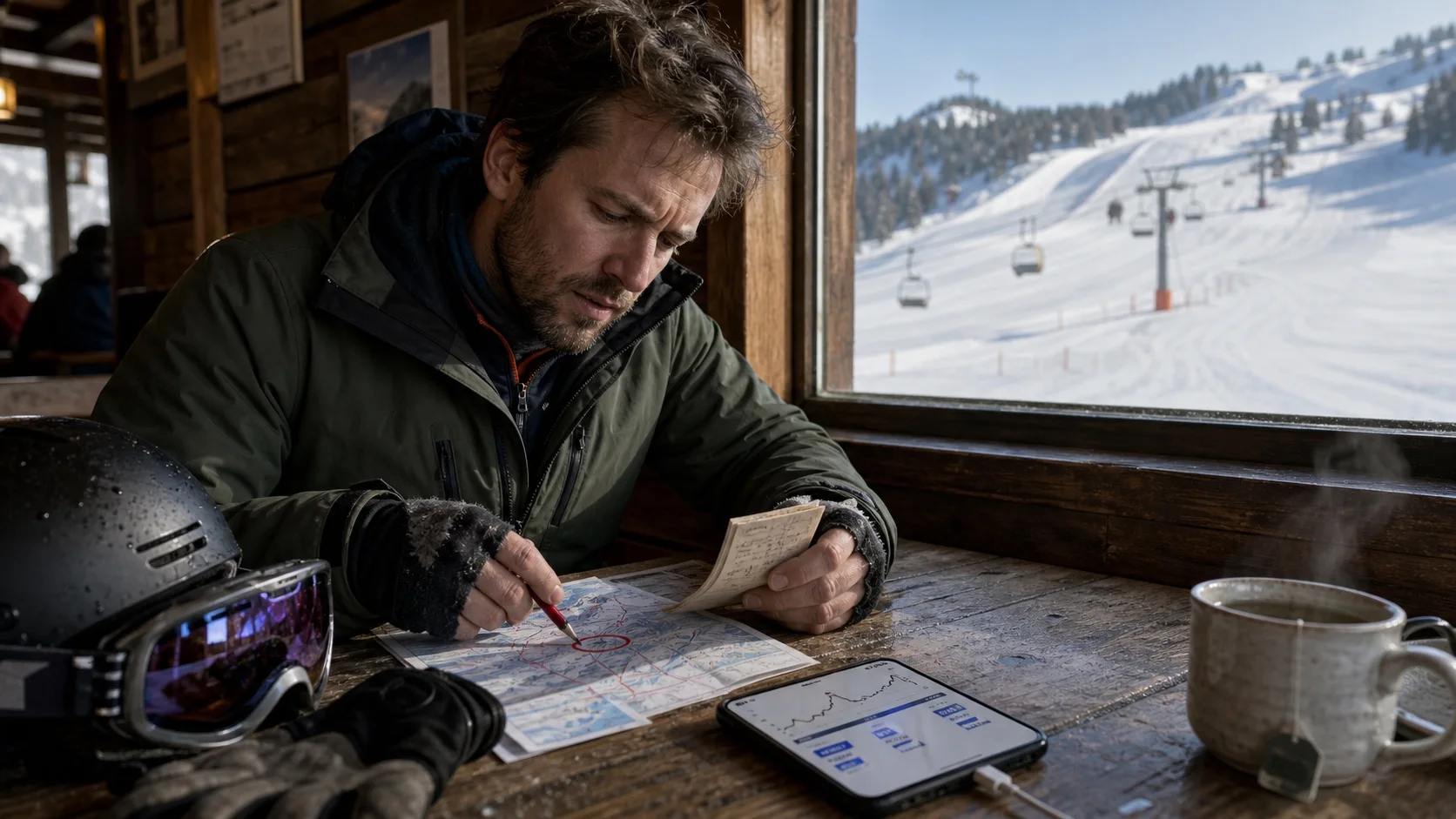
A results screen often places route, distance, vertical, top speed, runs, time, heart rate and calories side by side. They can look equally definite. Technically, though, they come from different processes.
A careful data check separates three layers. A device or platform provides samples and records. An app filters, totals or classifies them. Then a person or another system interprets the result. The farther you move from the first layer, the more context you need.
Three layers you should keep separate
For every number, ask: what existed first, what did the app make from it, and what meaning are you giving the result?
What the device or platform provides
For example, timestamps, location points, elevation values, heart-rate samples, or a workout with its duration and source. Some fields may be missing altogether.
Observation: location points exist from 10:04 to 10:08.
What the app produces from it
For example, distance from a filtered route, vertical from elevation changes, or a run identified from movement, slope and a pause.
Calculation: the app identifies a 1.8-kilometre run.
What you want to conclude from it
For example, “I skied better” or “I was not ready today”. Those statements need more observations and often a different method.
Not established: the longer distance proves better technique.
Read each metric like a small data receipt
The table shows common data paths. A particular app may calculate differently, so also check its current documentation and the source of the entry.
On small screens, the same information appears as individual cards.
| Metric | Typical basis | What it can help with | What it does not prove |
|---|---|---|---|
| Route | GNSS location points in time order; the app may smooth or remove points, or place them on a map. | See where the recording ran, whether sections are missing, and whether it includes lifts or travel. | The line does not reliably show your ski or body position through each turn and does not replace technique analysis. |
| Distance | The sum of distances between selected route points, or a total exported by the recorder. | Roughly compare similarly recorded days and spot incomplete sessions. | More kilometres do not automatically mean more downhill distance, better technique or a greater training effect. |
| Vertical | Elevation changes from GNSS, a barometer, a terrain model or a combination; lift and run detection influence the total. | Compare the volume of detected runs within the same data path. | It is not a universal measure of terrain, technique or load. Different apps can process the same elevation differently. |
| Speed | Change in position over time, often filtered or smoothed afterwards. Average and maximum react differently to brief outliers. | Review the course of a recording and find unusual sections when you use the same recording method. | A maximum value proves neither the true peak nor skill, control or safety. Do not chase an app number. |
| Runs | Algorithmic separation of runs, lifts, pauses and transitions from movement, elevation, map data or events. | Get an overview of the day and spot a missing or wrongly separated phase. | The count says nothing about the length, difficulty, quality or technique of individual runs. |
| Time | Workout start and end, plus the app’s own separation of total, active, downhill, lift or pause time. | Check whether the session is complete and which definition of time you are comparing. | Without context, more active time establishes neither greater endurance nor a particular training load. |
| Heart rate | An optical wrist measurement or a connected sensor. Contact, cold, movement and data gaps all matter. | View the trend as context for an existing recording and spot unusual gaps. | One value does not explain why the day felt demanding and is not a diagnosis. |
| Energy or calories | A model estimate using personal details, activity, time, movement, heart rate and other available inputs. | Use it as a rough, source-dependent estimate within one consistent system. | It is not a direct measurement of your actual energy expenditure or a reliable basis for an individual energy balance. |
| Workout record | Activity type, start time, duration, source, and the fields a recorder writes to Apple Health or another destination. | Check whether the activity arrived, who supplied it, and which data is available for later review. | A visible workout does not guarantee that route, runs, vertical, heart rate or every tracker value was transferred as well. |
Route
- Typical basis
- GNSS location points in time order; the app may smooth or remove points, or place them on a map.
- What it can help with
- See where the recording ran, whether sections are missing, and whether it includes lifts or travel.
- What it does not prove
- The line does not reliably show your ski or body position through each turn and does not replace technique analysis.
Distance
- Typical basis
- The sum of distances between selected route points, or a total exported by the recorder.
- What it can help with
- Roughly compare similarly recorded days and spot incomplete sessions.
- What it does not prove
- More kilometres do not automatically mean more downhill distance, better technique or a greater training effect.
Vertical
- Typical basis
- Elevation changes from GNSS, a barometer, a terrain model or a combination; lift and run detection influence the total.
- What it can help with
- Compare the volume of detected runs within the same data path.
- What it does not prove
- It is not a universal measure of terrain, technique or load. Different apps can process the same elevation differently.
Speed
- Typical basis
- Change in position over time, often filtered or smoothed afterwards. Average and maximum react differently to brief outliers.
- What it can help with
- Review the course of a recording and find unusual sections when you use the same recording method.
- What it does not prove
- A maximum value proves neither the true peak nor skill, control or safety. Do not chase an app number.
Runs
- Typical basis
- Algorithmic separation of runs, lifts, pauses and transitions from movement, elevation, map data or events.
- What it can help with
- Get an overview of the day and spot a missing or wrongly separated phase.
- What it does not prove
- The count says nothing about the length, difficulty, quality or technique of individual runs.
Time
- Typical basis
- Workout start and end, plus the app’s own separation of total, active, downhill, lift or pause time.
- What it can help with
- Check whether the session is complete and which definition of time you are comparing.
- What it does not prove
- Without context, more active time establishes neither greater endurance nor a particular training load.
Heart rate
- Typical basis
- An optical wrist measurement or a connected sensor. Contact, cold, movement and data gaps all matter.
- What it can help with
- View the trend as context for an existing recording and spot unusual gaps.
- What it does not prove
- One value does not explain why the day felt demanding and is not a diagnosis.
Energy or calories
- Typical basis
- A model estimate using personal details, activity, time, movement, heart rate and other available inputs.
- What it can help with
- Use it as a rough, source-dependent estimate within one consistent system.
- What it does not prove
- It is not a direct measurement of your actual energy expenditure or a reliable basis for an individual energy balance.
Workout record
- Typical basis
- Activity type, start time, duration, source, and the fields a recorder writes to Apple Health or another destination.
- What it can help with
- Check whether the activity arrived, who supplied it, and which data is available for later review.
- What it does not prove
- A visible workout does not guarantee that route, runs, vertical, heart rate or every tracker value was transferred as well.
What the research actually tested
These figures give a sense of scale for tightly defined studies. Do not treat them as a fixed error for your own session.
Position and speed are not equally accurate
- A 2025 study compared four smartphones and four apps with a 50 Hz differential-GNSS reference across three ski days for two recreational skiers.
- The median horizontal position error was 4.53 metres. Seventy-five percent of values were below 5.5 metres.
- The median speed error was 0.5 metres per second; 75 percent of values were below 1 metre per second.
The study did not test vertical accuracy. Two skiers, two resorts and the devices available at the time do not support a general error figure. Smartphone sampling at about one second did not resolve individual turns in detail.
Petrella et al. (2025): Smartphone GNSS in alpine skiingHeart rate and energy need different caution
- A 2026 systematic review included 82 studies and 430,052 participants across 14 metrics.
- For heart rate, 22 studies with 1,247 participants entered the meta-analysis. Mean bias was close to zero, but the limits of agreement ranged from −7.19 to +6.64 beats per minute.
- For energy expenditure, all six studies that reported percentage error found an error of 20 percent or more in at least one condition.
None of the included validations tested recreational downhill skiing in cold conditions as a separate situation. Accuracy depends on the metric, device, movement, conditions and person.
Lambe et al. (2026): Accuracy of Apple Watch measurementsAn outcome metric does not explain its cause
- Research in alpine ski racing combines time, precise trajectory, speed, energy, forces, models and synchronised video for detailed performance analysis.
- Even there, no single biomechanical measure explains why one person skis faster.
- A consumer app that shows route, speed and vertical therefore answers a different question from a qualified technique analysis.
This work concerns competitive sport and high-precision research systems. It does not validate a consumer app or provide skiing instruction.
Supej et al. (2020): GNSS and performance analysis in alpine skiingSix reasons two apps can disagree
A disagreement first points to different data paths. It does not show which number is closer to an unknown truth.
-
Different device or sensor
A phone, watch and external sensor can have different sampling rates, antennas, barometers and wearing positions.
-
Different start and end
One app starts when you tap record; another detects your first run. A forgotten stop changes time, route and distance.
-
Different filtering
Apps may remove jumps, smooth turns or weight points differently. That changes distance, speed and sometimes the route.
-
Different elevation method
GNSS elevation, a barometer and a terrain model do not produce the same value. How an app handles small climbs and drops matters too.
-
Different run and lift detection
The boundary between a run, lift, transition and pause is a classification choice. An app may classify a short uphill section differently.
-
Different export or source
A recorder may keep its detailed summary but send only a workout and selected categories to Apple Health.
Compare only what you keep methodologically alike
You do not need perfect conditions for a useful trend. Keep the data path stable and note the important differences.
On small screens, the same information appears as individual cards.
| Keep stable for the comparison | Also note | Do not infer from the number |
|---|---|---|
| Device, recorder and app version | Battery mode, wearing position and connected sensors | That a higher number is automatically more accurate |
| Manual or automatic start and stop | Missing sections, pauses and lift errors | That more active time proves greater endurance |
| The metric’s unit and definition | Resort, terrain, snow, visibility and crowds | That days in different conditions are directly comparable |
| Export path and destination system | Which categories are actually present in Apple Health | That a workout contains every detail from the recorder |
Device, recorder and app version
- Also note
- Battery mode, wearing position and connected sensors
- Do not infer from the number
- That a higher number is automatically more accurate
Manual or automatic start and stop
- Also note
- Missing sections, pauses and lift errors
- Do not infer from the number
- That more active time proves greater endurance
The metric’s unit and definition
- Also note
- Resort, terrain, snow, visibility and crowds
- Do not infer from the number
- That days in different conditions are directly comparable
Export path and destination system
- Also note
- Which categories are actually present in Apple Health
- Do not infer from the number
- That a workout contains every detail from the recorder
Create a metric receipt after your ski day
Fill it in before you interpret the numbers or share them against another day. The fields stay on paper or in your saved file; this page sends nothing to SlopeReady.
-
Check completeness
Review the start, finish, route, gaps, implausible jumps, and lifts or pauses that were classified incorrectly.
-
Find the source
For the metric that matters, open its data source or the recorder. Do not rely on the workout card alone.
-
Choose a fair comparison
Prefer a day recorded with the same device, recorder, start method and export path.
-
Write down the observation
First write only what the data shows, such as “The recording contains two longer gaps.”
-
Separate interpretation from the unknown
Write the plausible explanation separately and name what these data cannot decide.
How a ski recording can reach Apple Health
With your permission, a compatible recorder can share a workout with Apple Health and Fitness. Do more than check whether the activity is visible. Open the specific data category and inspect which app or device supplied the value under Data Sources & Access.
HealthKit has ski-specific structures for downhill distance and segments, along with metadata such as average and maximum speed, slope grade and elevation descended. That is a platform capability, not a promise from every recorder. An app may keep its detailed review internally, export selected fields, or offer no compatible data path.
- Is the workout itself present?
- Which app or device is listed as the source?
- Does the specific metric exist as its own Health category, or only in the recorder app?
- Did it need a manual export or sync?
- Is a value really zero, or is it missing altogether?
Apple Support: Manage Health data, apps and sources, Apple Support: Sync a third-party workout app to Fitness, Apple Developer: Downhill skiing data in HealthKit
Open the next useful step
Where SlopeReady fits in this data path
SlopeReady begins after the recording. The app reads only the Apple Health data you allow and that are actually present there. It places available workouts, training and recovery data in the context of your preparation and shows uncertainty when the data set is incomplete.
You can use the AI Coach to discuss an existing training history and your preparation plan in their current context. SlopeReady does not start or stop workouts, record ski runs, GPS routes or live heart rate, or write anything to Apple Health. It replaces neither a specialist tracker nor qualified technique analysis.
Checked against the current product contract and the app’s read-only HealthKit data path on 12 August 2026. Data and privacy, Support and product boundaries