
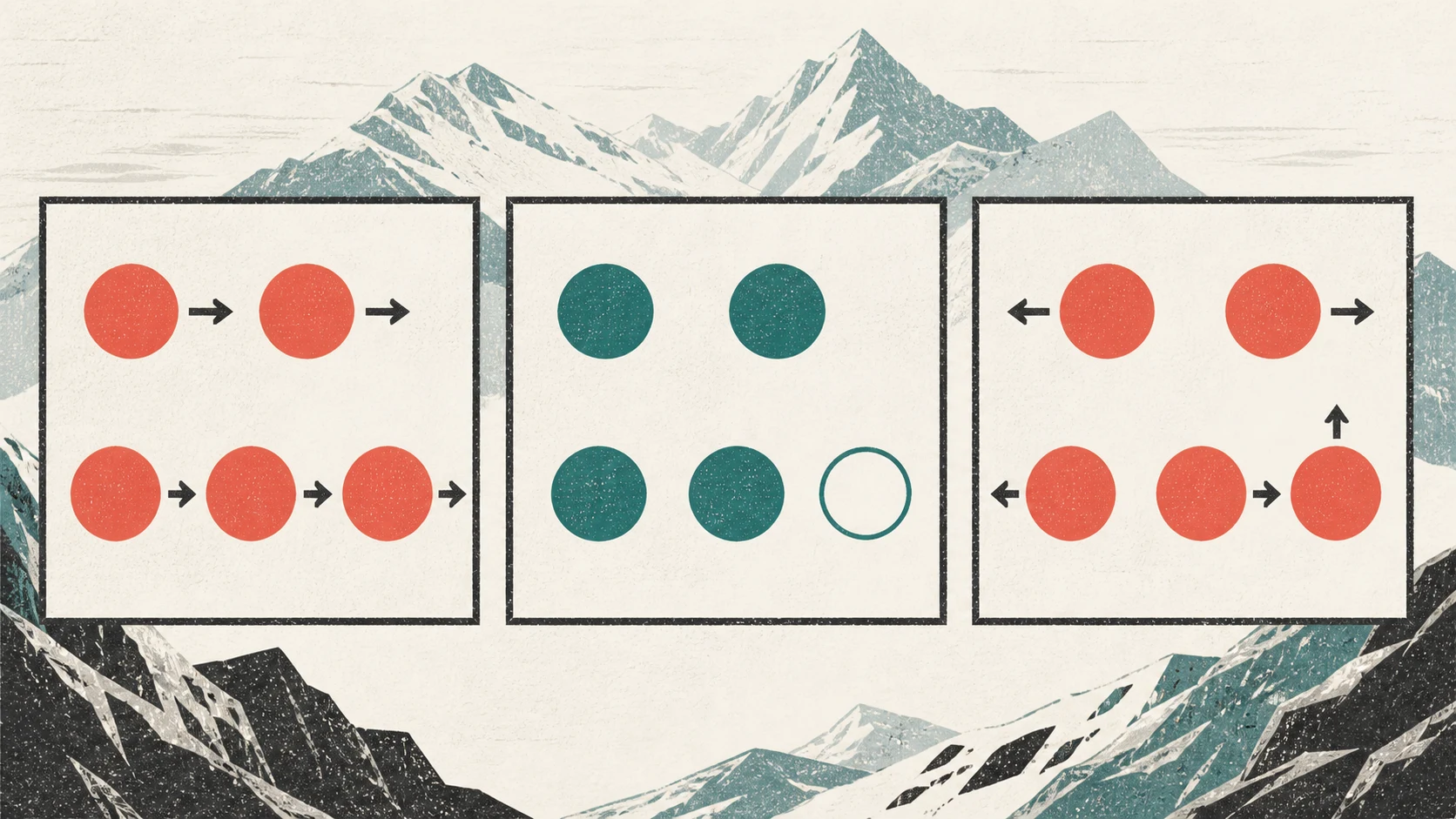
Readiness is a derived estimate. Wearable products choose different metrics, time windows, baselines, and weights, so scores with similar names may summarize different things.
Sources: Doherty et al. (2025).
Two numbers, two questions
Read the readiness score first, then the confidence percentage. They describe different parts of the same calculation.
Keep three scenarios separate
You judge whether the signals agree when you interpret them. SlopeReady does not measure agreement or assign an “agreed” status.
Complete and similarly directed
- Available
- All five data groups; the signals point broadly in the same direction
- Missing
- No group is marked missing
- How to read it
- The calculation uses every expected group. Their shared direction is your interpretation of the signals.
- What does not follow
- A diagnosis, freedom from injury risk, or a guarantee of a safe and successful workout
Partial
- Available
- A readiness score may appear even when at least one group is missing
- Missing
- The confidence view names the missing groups
- How to read it
- Account for the gap. Check the source and recency before deciding what it means.
- What does not follow
- Low confidence means low readiness or poor recovery
Complete but conflicting
- Available
- All five groups; for example, good sleep beside unusual HRV or a higher resting heart rate
- Missing
- No group is marked missing
- How to read it
- Confidence can stay high. The signals are complete, but the result is harder to explain.
- What does not follow
- High confidence proves a cause or that the estimate is correct
Sources: SlopeReady: How it works.
Four checks before you explain a mismatch
Do not explain a mismatch from the percentage alone. Check the data path in this order.
-
Name the missing groups
Record whether recovery, sleep, HRV, current resting heart rate, or training load is missing. “Incomplete” is too vague on its own.
-
Check the date and source
Open the category in Apple Health. Check the latest entry and “Data Sources & Access.” Permissions and available sources vary by category.
-
Separate measurements from context
Record the planned workout separately from facts the watch does not know, such as pain, unusual effort, travel, or equipment. That context does not prove a cause.
-
Do not infer beyond the data
Classify the case as complete, partial, or complete with conflicting signals. Leave the cause open and do not turn a missing value into a training instruction.
Sources: Ibrahim et al. (2024), Apple Support.
Why apps can disagree despite using the same watch
Even when data comes from the same Apple Watch, apps may choose different metrics, records, time windows, baselines, weights, and missing-data rules. A review of 14 composite health scores from ten wearable brands found substantial differences in those choices.
Sources: Doherty et al. (2025).
Completeness also does not remove measurement error. In a laboratory study of 53 healthy adults, agreement between six wearables and polysomnography or electrocardiography varied by device and metric. The study does not provide a personal error rate.
Sources: Miller et al. (2022).
How SlopeReady handles incomplete data
SlopeReady calculates confidence from five equally weighted groups: recovery, sleep, HRV, current resting heart rate, and training load. Each available group adds 20 percentage points, so four of five gives 80%. A missing value stays missing; the app does not substitute zero or an invented default.
When too little data is available, SlopeReady withholds the numerical readiness score. When a score appears, readiness and confidence are shown separately. Complete but conflicting signals can keep high confidence because confidence measures completeness only.
SlopeReady reads permitted Apple Health data. It does not record workouts, live heart rate, GPS, or ski runs. An empty HealthKit read cannot reliably distinguish a missing record from missing read access.
Sources: Apple Platform Security, Apple Developer, SlopeReady: How it works, SlopeReady: Privacy.
A short note for support
These details help support inspect the data path, but they may not identify the cause.
- date, time, readiness score, and confidence
- data groups marked as missing
- latest timestamp and source in Apple Health
- planned workout and the mismatch you noticed